

Get Started in 3 Steps
Welcome to Coincile! Follow these simple steps to set up your account and start managing your crypto transactions.Step 1: Create Your Account
Navigate to app.coincile.io and click “Sign Up” to create your account.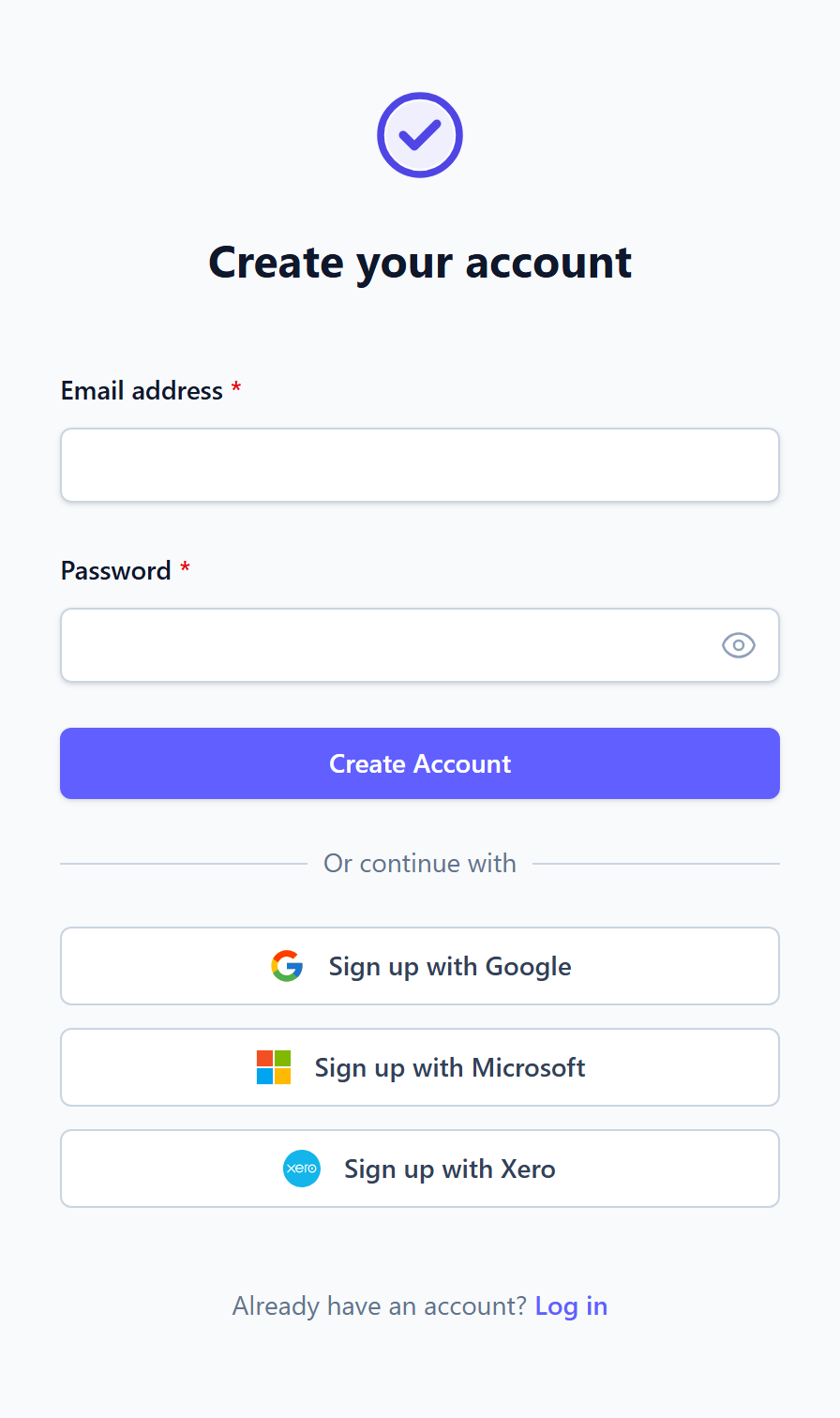
- Email address - Use your business email for best results
- Password - Create a strong password (minimum 8 characters)
- Confirm password - Re-enter your password
Already have an account? Use the “Sign In” link to log in instead.
Step 2: Sign In to Your Account
After creating your account, you’ll be redirected to the login page. Sign in with your email and password.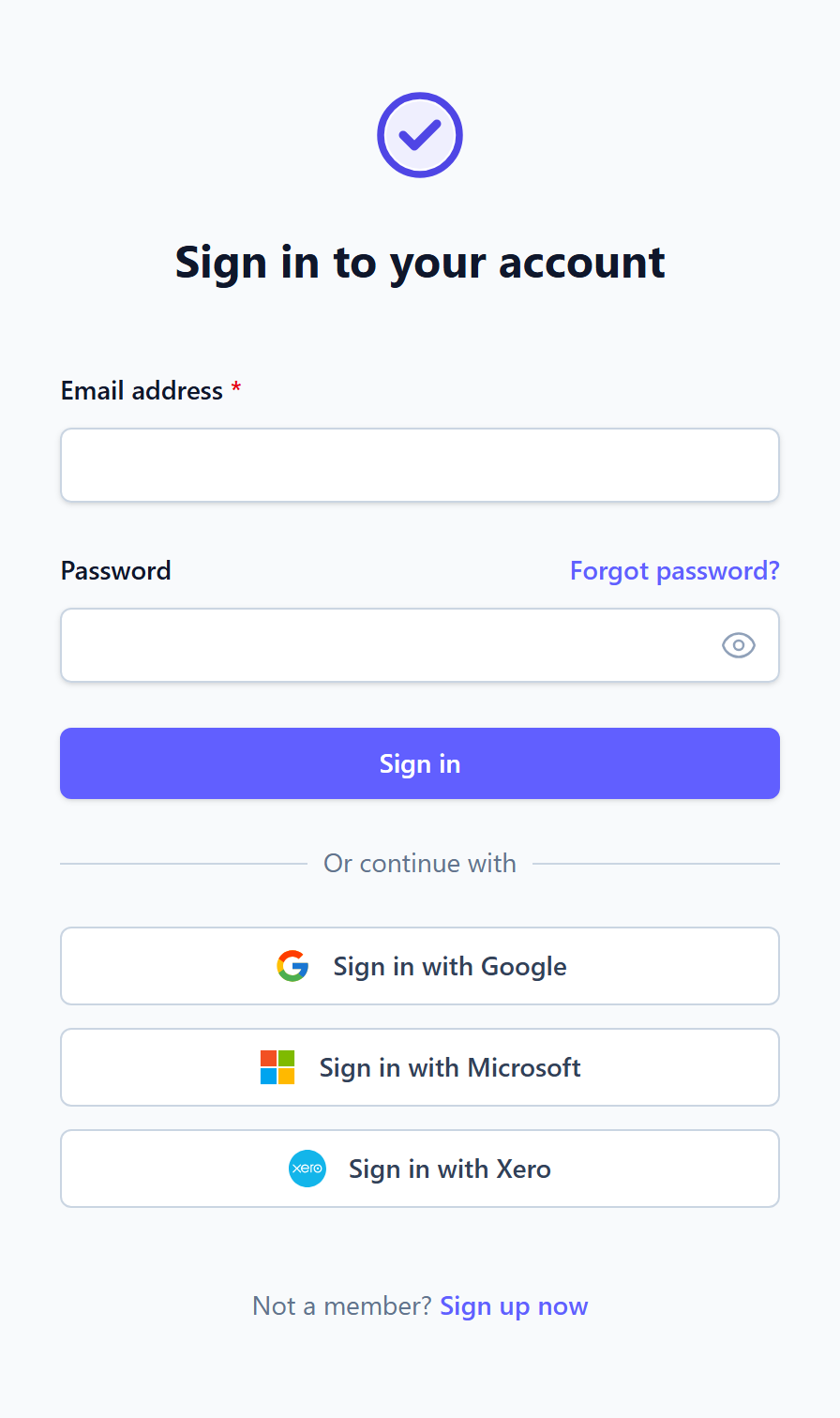
Step 3: Explore Your Dashboard
Once signed in, you’ll see your dashboard - the central hub for managing all your crypto transactions.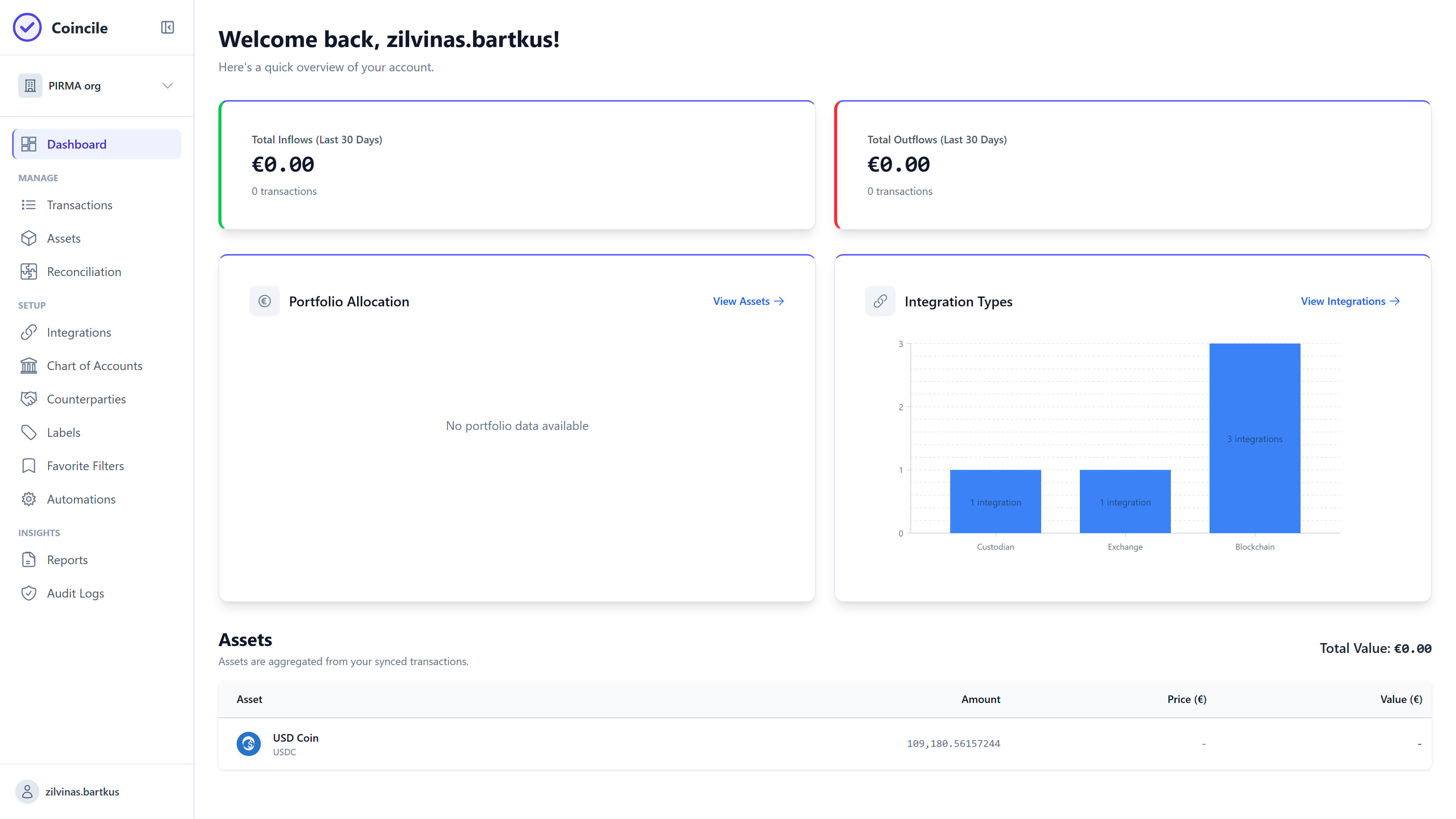
- Overview of your crypto portfolio
- Recent transactions summary
- Quick access to key features
- Navigation to all major sections
What’s Next?
Now that you’re set up, here’s what you can do next:1
Connect Integrations
Link your exchanges, wallets, and blockchain networks to automatically import transactions. Visit the Integrations Guide to learn more.
2
Import Transactions
Start importing your crypto transactions manually or automatically. Check out the Transactions Guide for details.
3
Generate Reports
Create financial reports and exports for accounting purposes. See the Reporting Guide to get started.
Integrations Guide
Connect exchanges, wallets, and blockchains
Transactions Guide
Import and manage your transactions
Reporting Guide
Generate financial reports and exports
Reconciliation Guide
Match transactions across sources
Need Help?
I can't access my account
I can't access my account
Use the “Forgot Password” link on the login page to reset your password. If you’re still having issues, contact support at support@coincile.io.
Where do I start after signing up?
Where do I start after signing up?
We recommend starting by connecting your first integration. This will automatically import your transactions and populate your dashboard with real data.
Can I use Coincile without integrations?
Can I use Coincile without integrations?
Yes! You can manually import transactions via CSV or add them one by one. However, integrations make the process much faster and more accurate.